

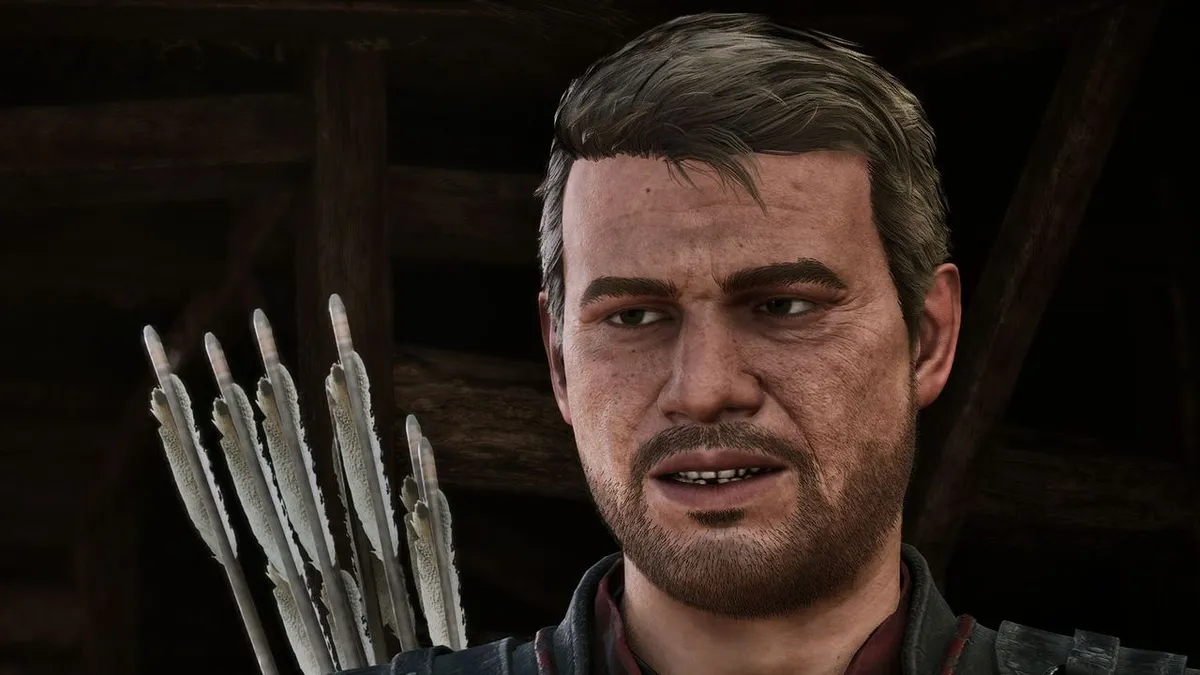
Players diving into the recently released Gothic Remake are encountering a significant hurdle in its lockpicking mechanics, a system many describe as overly tedious and frustrating. This has led to the swift emergence of community-created modifications aimed at alleviating the pain points.
Lockpicking System Sparks Player Discontent
While the game offers a rewarding progression system and more fluid combat animations, the lockpicking minigame has become a notable point of contention. Reports indicate that the complexity and repetitive nature of this mechanic are proving to be a dealbreaker for a substantial portion of the player base.
Developer Alkimia Interactive has acknowledged the player sentiment, stating they are actively “monitoring the sentiment” and reminding players that “We cannot stress enough how much easier this gets when you start adding skill points into it.” However, for many, the prospect of investing in the skill doesn’t fundamentally alter the experience of what they perceive as a boring minigame, regardless of increased error tolerance.
Community Mods Provide Swift Solutions
In response to the widespread dissatisfaction, the Nexus Mods platform, now supporting modifications for the Gothic 1 Remake, has seen a surge in downloads for lockpicking-related patches. The most popular mod, by both downloads and endorsements, is titled “Unlock All Chests and Doors.”
For those seeking a less drastic alteration, the “Lockpick Settings” mod offers a middle ground. This modification introduces helpful hints, a connection viewer to visualize the lock mechanism, and reduces the fragility of lockpicks, making the process less punishing.
Other Notable Modifications
Beyond lockpicking, other popular mods are addressing different aspects of the game. One mod focuses on improving overall game performance, while another adds icons for interactable objects. This latter mod aims to help players quickly distinguish valuable items from mere environmental clutter at a distance.
Installation for many of these mods typically involves placing the downloaded files into the game’s installation directory. Players are generally advised to launch the game via the provided executable, often with administrative privileges.